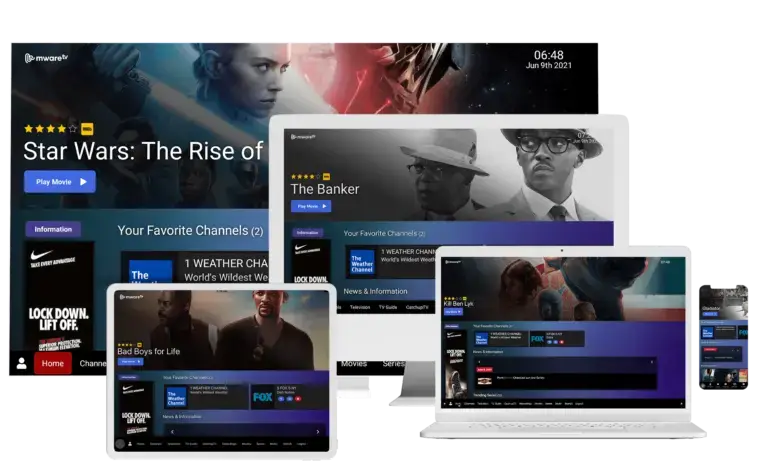
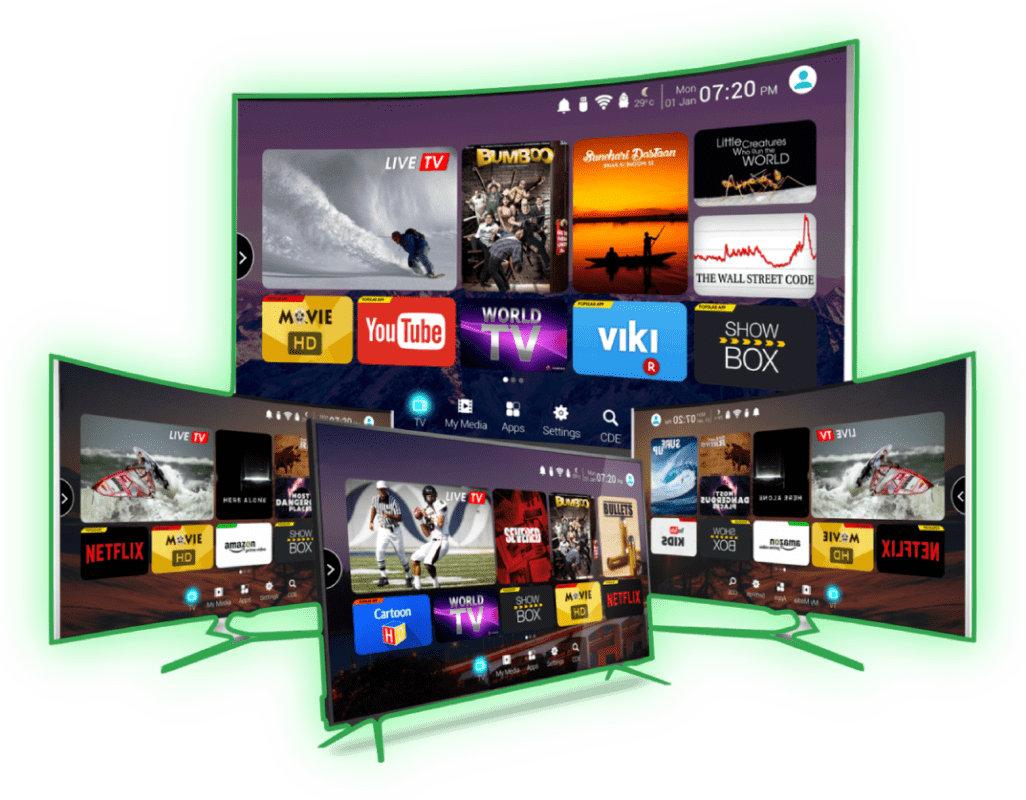
How to install IPTV on Your Smart TV (Samsung/LG)
- Download the application from your TV app store, search for IPTV Smarters Pro and install it.
open the IPTV Smarters Pro app and click on the “add new user”.

Now, you need to login into the app. There are two ways to do so. Either by using M3U playlist or by using the username and password that is the Xtream codes API.
Once you are done logging in, you will be redirected to the list users screen as shown below. Click on the profile you just created.
- Congratulations, you have now successfully set up and configured the IPTV Smarters Pro app on your devices.
How to install IPTV on Your Android TV
- Download the application from Google Play, search for IPTV Smarters Pro and install it.
open the IPTV Smarters Pro app and click on the “add new user”.
Now, you need to login into the app. There are two ways to do so. Either by using M3U playlist or by using the username and password that is the Xtream codes API.
Once you are done logging in, you will be redirected to the list users screen as shown below. Click on the profile you just created.
- Congratulations, you have now successfully set up and configured the IPTV Smarters Pro app on your android TV.
How to install IPTV on Firestick (Smarters Pro App)
- first thing to do is you lust enable the developers options, is you have already done that, skip this step, to enable developers options go to “settings”, my fire TV, about, then press 7 times “fire tv stick lite”.
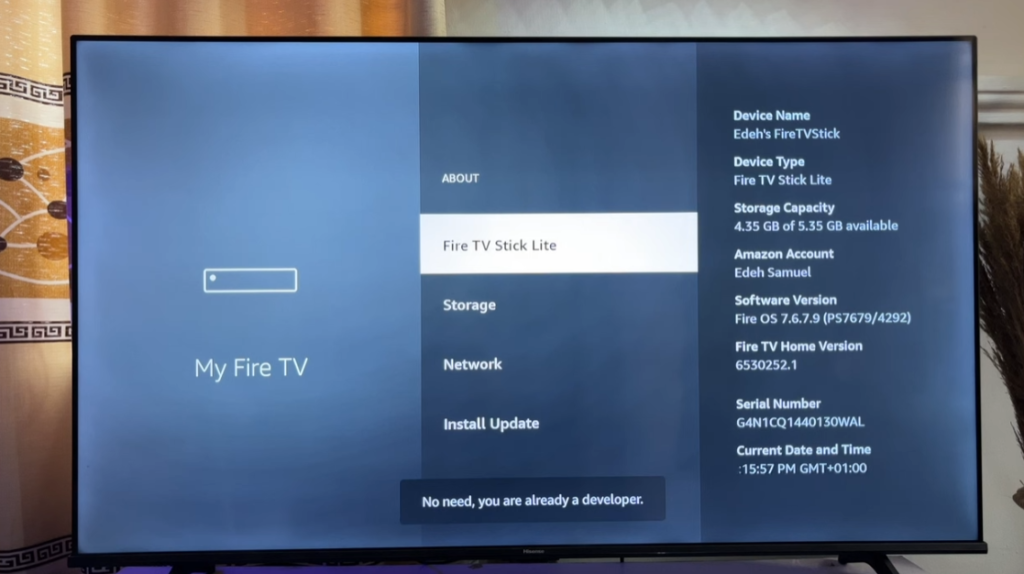
2. now go back and press the developers options, then install unknown apps and press OK.
3. go back to home page and enter app store, search for Downloader app (orange logo) and install it.
4. launch the app and press on the browser section on the left, type in the browser address this URL: https://www.iptvsmarters.com/smarters.apk
and hit enter.
5. now the app is downloading on your firestick.
6. a pop up will appear, press settings, install unknown apps, and press on the downloader app, it will change from OFF to ON.
7. go back and install the application.
watch this YouTube video for more details:
https://www.youtube.com/watch?v=zzmIwahIvIM
How to install IPTV on MAG
MAG boxes are some of the most powerful streaming media players. IPTV users choose them for their speed, simplicity, and excellent streaming performance. The user interface is simple and responsive, channel switching is quick and you receive all the features required to get the most out of your IPTV service.
If your Mad device does not allow you to type in m3u link, please get back to us with your MAC address, we will add it to our server.This tutorial will guide you through a simple and effective step of installation your Mag (250/254/256…).
Step 1: When the box is being loaded the main portal screen appears. After that click on “settings”, press remote button “SETUP/SET”.

Step 2: Then press on “System settings” and click on “Servers”.
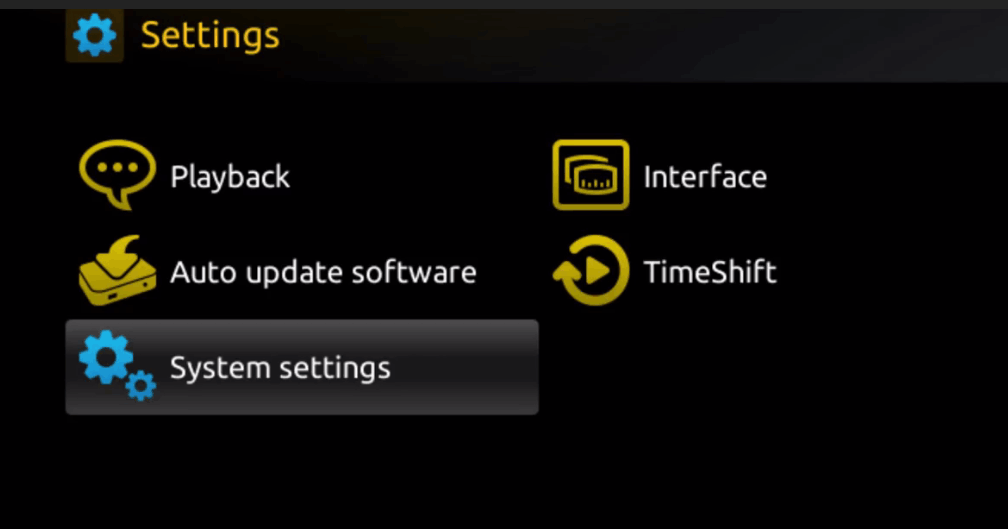
Step 3: Click on ‘Servers’

Step 4: Choose and Press option ‘Portals’
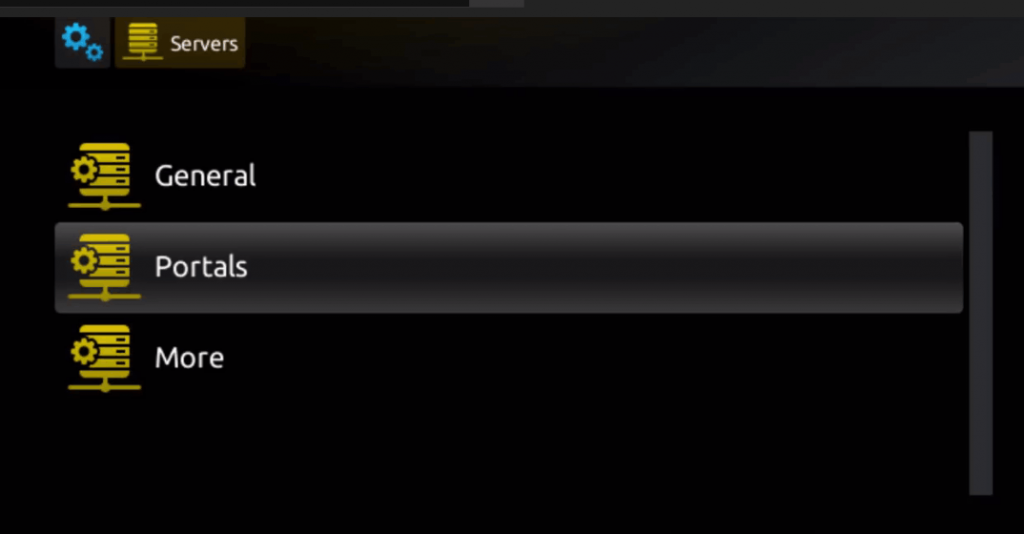
Step 5: In the ‘Portal 1 name’ line enter a portal name and in the ‘Portal 1 URL’ enter portal URL.
Therefore for the activation of our IPTV subscription on your MAG box, you must send us with your order the MAC address found on the label behind the box, the activation is done entirely remotely, just after activation, we will send you a URL link that you have to put on your PORTAL, as in the photo below:
Step 6 – Finally when you complete select and click ‘OK’ to save the changes.
Step 7 – Click ‘EXIT’ on the remote control after the settings are being saved.
Step 8 – Consequently you have to reboot the box. Choose the option ‘OK’ to make the changes applied.
Step 9 – Enjoy watching your IPTV.
How to install IPTV on Apple TV or iOS
Download Smarters Application : https://apps.apple.com/in/app/smarters-player-lite/id1628995509
then open it and add a playlist via “XC API” which means Xtream Codes API :
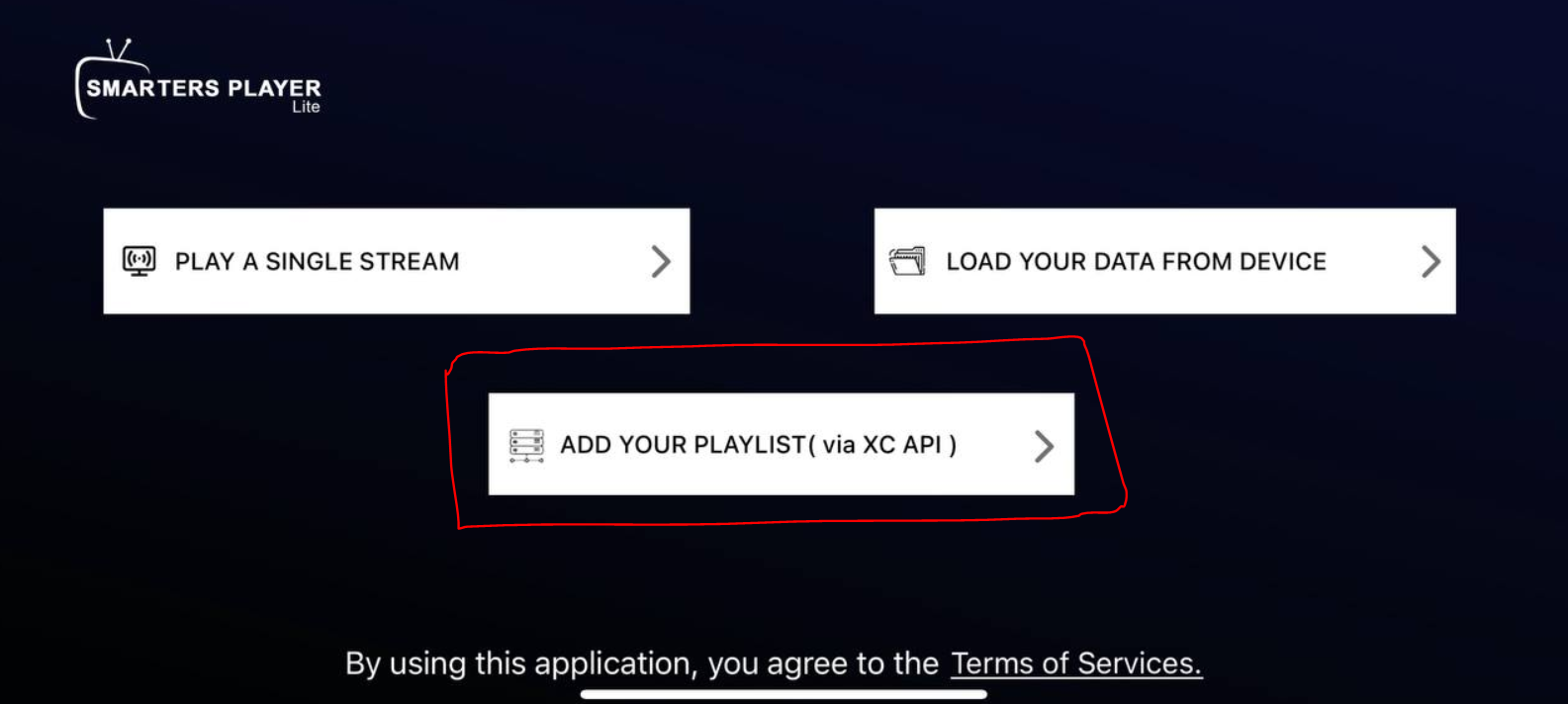
then add the details you got via email after you subscribe :

1. Put any name you want.
2. Put the username.
3. Put Password.
4. Put URL.
for username, password and URL you should use the ones you got via email after you subscribe.
and click “add user“.
Download Smarters application from this link : Click Here

1. Put any name you want.
2. put the username you got under Xtream Codes API.
3. put the password you got vial email, you will find it under Xtream Codes API.
4. put the URL you got vial email, you will find it under Xtream Codes API.
and click “add user”.
Channels, movies and series should be loaded then.